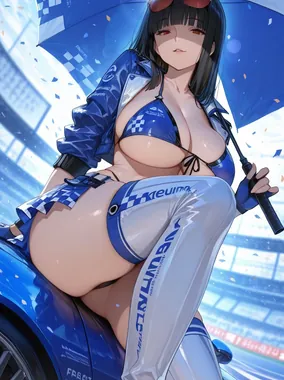
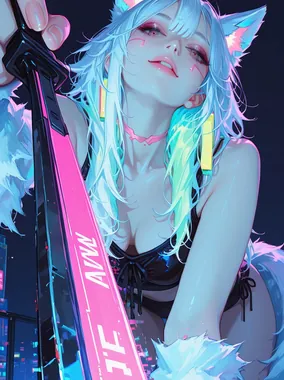
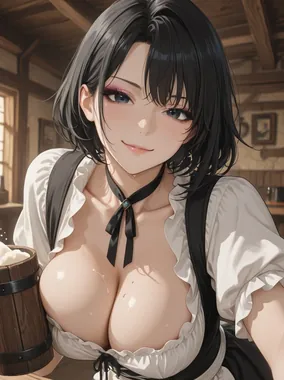
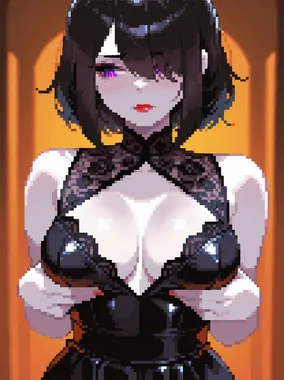
How to Make AI Hentai: Step-by-Step Guide
Step-by-step guide to generating AI hentai, covering model selection, anime-specific prompts, style tags, and LoRA usage.
How to Make AI Hentai: Step-by-Step Guide
Most AI image generators default to photorealism. Getting convincing anime and hentai output requires different models, different prompts, and different thinking about how the AI interprets your instructions. We've spent time with every major tool that handles illustrated NSFW content, and the gap between a well-tuned hentai workflow and a naive one is massive.
This guide walks through the entire process, from choosing the right model to writing prompts that produce clean, stylistically consistent anime art.
Choosing the Right Model
Model selection is the single biggest factor in hentai quality. A photorealistic model will never produce clean anime lines no matter how many style keywords you throw at it.
For hosted platforms, the best AI hentai generators come with anime-optimized models built in. These platforms have already done the fine-tuning work, and you select "anime" or "hentai" as your output style. Simple.
For local Stable Diffusion users, look for checkpoint models specifically trained on anime art. Popular choices include models trained on Danbooru-tagged datasets, which understand anime tagging conventions natively. These models speak a different prompt language than photorealistic ones, and that matters more than you'd expect.
Anime-Specific Prompt Strategy
Hentai prompting follows different conventions than photorealistic prompting. The anime AI art community developed its own vocabulary, largely borrowed from the tag systems used on booru imageboards.
Tags over sentences
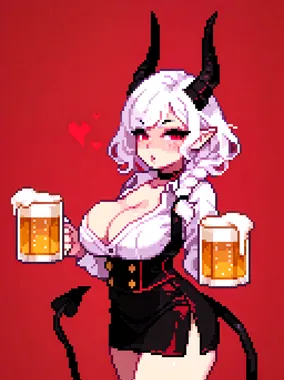
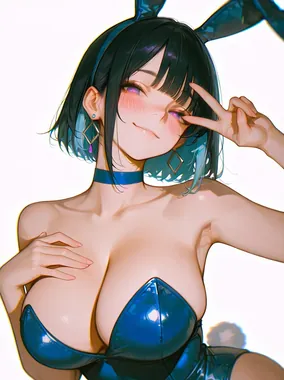
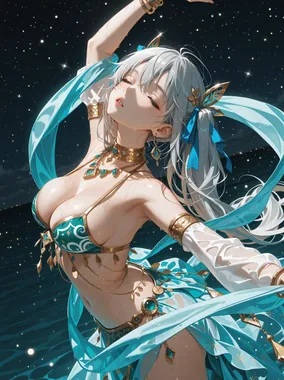
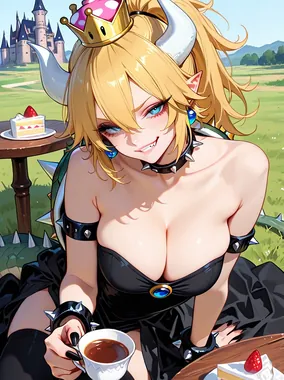
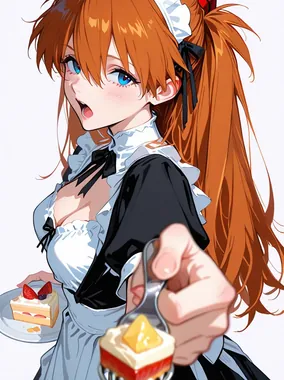
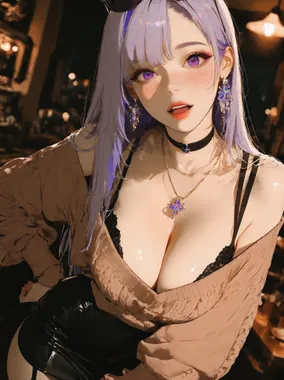
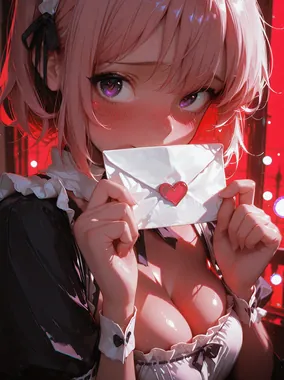
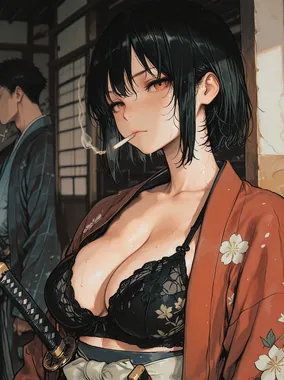
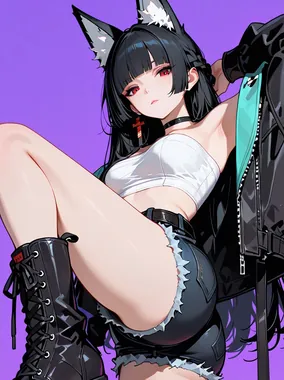
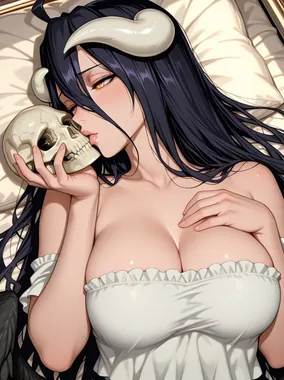
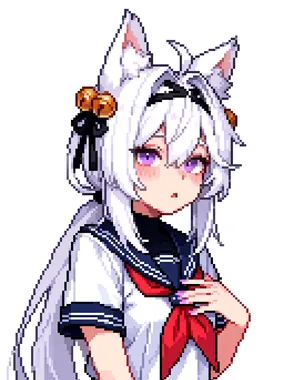
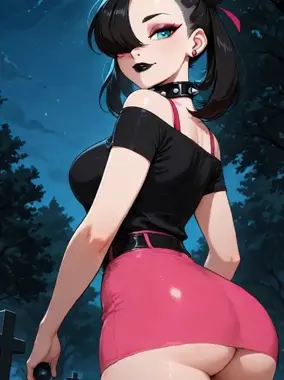
Where photorealistic prompts read like natural language descriptions, anime prompts work better as comma-separated tags. Instead of "a beautiful woman with long blue hair lying on a bed," write "1girl, blue hair, long hair, lying on bed, from above."
The tag format works because anime models are trained on tagged datasets. They understand "1girl" as a compositional instruction, not just a description.
Style tags that matter
These tags give you control over the visual style:
- masterpiece, best quality: baseline quality boosters (include them every time)
- detailed, highres: sharpness and resolution
- cel shading, flat color: for traditional anime looks
- soft shading, gradient shading: for more painterly approaches
- lineart, thick outlines: for stronger line work
- watercolor, sketch: for alternative art styles
Body and character tags
Anime models understand specific body descriptors differently than photorealistic ones. "Large breasts" in a photorealistic model targets anatomical realism. In an anime model, it targets the illustrated conventions of anime proportions.
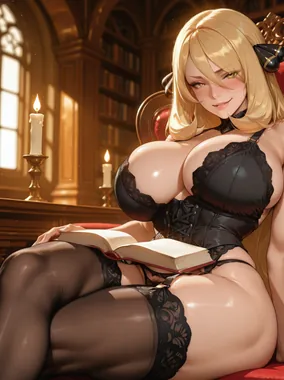
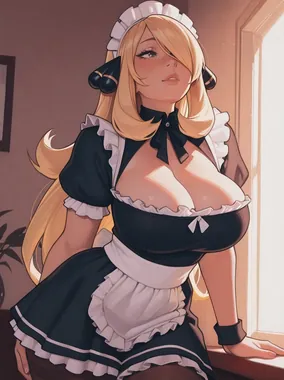
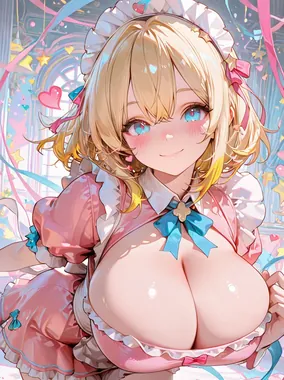
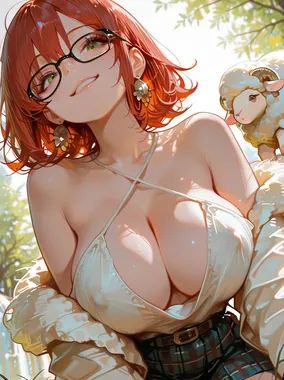
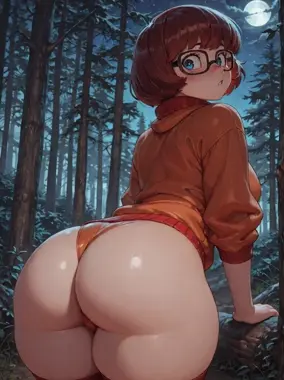
Common character tags include hair color plus style (twintails, ponytail, bob cut), eye color, body type (petite, curvy, athletic), clothing items (school uniform, bikini, maid outfit), and accessories (glasses, choker, hair ribbon).
Expression and mood
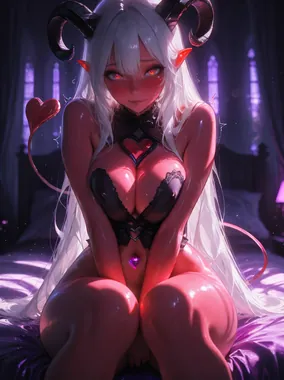
Anime faces use exaggerated expression conventions. Tags like "blush," "half-closed eyes," "ahegao," "smirk," "open mouth," and "looking at viewer" all trigger specific expression patterns the model has learned from thousands of illustrations.
Using LoRA Models for Consistency
LoRA models are small add-on files that teach a base model new concepts: a specific character, an artist's style, or a visual theme. For hentai generation, LoRAs are the difference between generic anime output and something with a distinctive look.
You can find LoRA models for specific art styles (mimicking popular hentai artists), character archetypes (specific body types, outfits, or features), and even specific series aesthetics. Apply them on top of your base anime model for targeted results.
The typical workflow: load your anime checkpoint model, apply one or two LoRAs at 0.5 to 0.8 weight, then prompt with compatible tags. Too many LoRAs or weights set too high produce muddy, conflicting output.
Common Mistakes in AI Hentai
Mixing photorealistic and anime prompt styles is the most frequent error. Natural language descriptions fight against tag-based models. Stick to the tagging convention for anime checkpoints.
Ignoring negative prompts costs you clean output. At minimum, use: "worst quality, low quality, bad anatomy, extra fingers, poorly drawn hands, poorly drawn face, realistic, 3d, photo." That last group ("realistic, 3d, photo") actively pushes the model away from photorealism and toward illustration.
Over-complicating scenes leads to composition errors. Anime models handle one or two characters well. Adding more introduces overlapping limbs and merged faces. Start with single-character compositions and work up from there.
Neglecting aspect ratio matters more in anime than photorealistic work. Vertical compositions suit standing poses. Horizontal works for lying or reclining scenes. Square crops waste space and produce awkward framing.
Putting It All Together
Here's a complete example workflow:
- Select an anime-optimized model (or use a hentai generator platform with built-in anime models)
- Write your prompt in tag format: "1girl, long pink hair, twintails, blue eyes, school uniform, sitting, classroom, looking at viewer, blush, masterpiece, best quality, detailed"
- Set your negative prompt: "worst quality, low quality, bad anatomy, extra fingers, realistic, 3d, watermark, text"
- Generate a batch of 4 to 8 images
- Pick the best result and refine (adjust tags, add or remove descriptors)
- Apply inpainting to fix specific areas if needed
For more on prompt fundamentals, see prompt writing basics. For broader AI image generation, check the best AI porn generators.
For informational purposes only. Nothing on this site constitutes legal, financial, medical, or other professional advice. Information about tools, platforms, and laws changes frequently. Verify before acting on anything here, and consult a qualified professional for advice on your specific situation.