

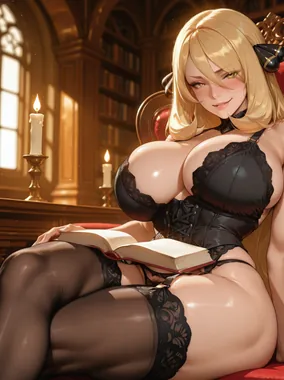
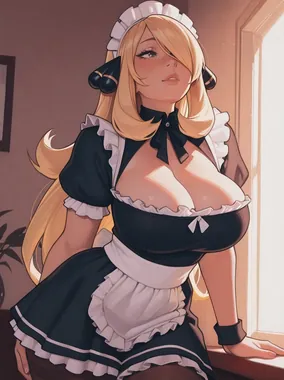
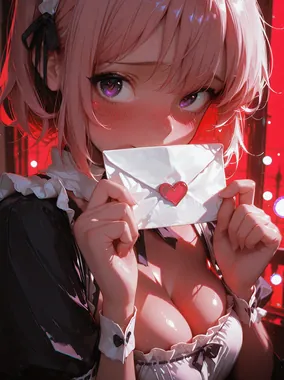

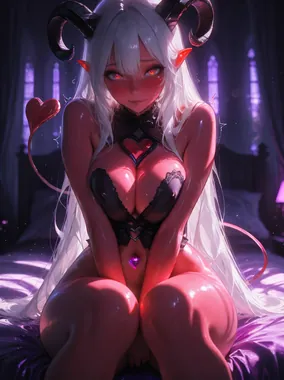


Building a moodboard
Create consistent visual styles the AI can replicate.
Building a moodboard
A moodboard is a collection of reference material that defines a consistent visual style. This guide shows you how to create and use moodboards to achieve cohesive, repeatable results.
What is a moodboard?
A moodboard is a curated collection of:
- Visual references (images, screenshots, artwork)
- Style keywords and descriptors
- Lighting setups and compositions
- Color palettes and moods
- Successful prompt patterns
Goal: Create a reference you can return to for consistent aesthetic across multiple generations.
Why use a moodboard?
Consistency
- Generate content that feels cohesive
- Maintain a signature style
- Create series that work together visually
Efficiency
- Reduce trial and error
- Spend fewer credits on testing
- Faster iteration when you know what works
Learning
- Identify patterns in what you like
- Understand which keywords produce desired results
- Build expertise in specific aesthetics
Creating your moodboard
Step 1: Gather inspiration
Collect examples of:
- Lighting styles you like
- Compositional approaches that work
- Moods and atmospheres you want
- Color palettes that appeal to you
Sources:
- Your own successful generations from the AI porn generators you use
- Photography references
- Film stills
- Artwork in desired style
Step 2: Analyze what works
For each reference, identify:
- Lighting type: Soft, dramatic, natural, neon
- Color palette: Warm, cool, monochrome, vibrant
- Composition: Close-up, full body, angle, framing
- Mood: Sensual, playful, intense, romantic
- Style: Photorealistic, artistic, cinematic
Step 3: Extract keywords
Convert visual elements to prompt keywords:
Example analysis:
- Visual: Warm, soft-focused boudoir photo
- Keywords:
soft lighting, warm tones, intimate atmosphere, professional boudoir photography, gentle focus, romantic
Step 4: Test and refine
Generate using your extracted keywords:
- Start with core style keywords
- Generate and compare to reference
- Adjust keywords to get closer
- Document what works
Step 5: Document your style
Create a written guide for yourself:
MY SIGNATURE STYLE

Lighting: Soft golden hour or window light
Mood: Intimate and sensual, never aggressive
Composition: Close-ups and portraits, rarely full body
Quality: Professional photography, 4K, sharp focus
Colors: Warm tones, avoid cool blues

Template prompt:
"[Subject] in [clothing], [setting], soft golden hour lighting, intimate sensual atmosphere, close-up portrait, professional photography, warm tones, 4K"
Using your moodboard
For new generations
Reference your moodboard to:
- Choose appropriate style keywords
- Set lighting that matches your aesthetic
- Use composition approaches you've validated
- Apply tested quality enhancers
For consistency
When creating related content:
- Use the same style keywords across all generations
- Maintain consistent lighting approach
- Keep composition style uniform
- Repeat successful patterns
Example moodboards
"Soft and romantic"
Visual references: Boudoir photography, warm-toned intimate portraits
Core keywords:
- Lighting:
soft window light,golden hour,warm glow - Mood:
romantic,intimate,gentle,sensual - Style:
professional boudoir photography,soft focus - Colors:
warm tones,peachy,golden
Template:
[Subject], soft window lighting, romantic intimate atmosphere, professional boudoir photography, warm peachy tones, gentle, 4K
"Bold and dramatic"
Visual references: Film noir, high-contrast portraits, dramatic photography
Core keywords:
- Lighting:
dramatic side lighting,high contrast,rim lighting - Mood:
intense,powerful,bold,striking - Style:
cinematic,film noir aesthetic,dramatic photography - Colors:
high contrast,deep shadows,bold
Template:
[Subject], dramatic side lighting, intense atmosphere, cinematic film noir aesthetic, high contrast, bold, professional photography, 4K
"Bright and playful"
Visual references: Bright editorial photography, colorful fashion shoots
Core keywords:
- Lighting:
bright natural light,well-lit,sunny - Mood:
playful,cheerful,fun,energetic - Style:
fashion photography,editorial,vibrant - Colors:
vibrant colors,bright,colorful
Template:
[Subject], bright natural lighting, playful cheerful mood, fashion editorial photography, vibrant colors, energetic, 4K
Evolving your moodboard
As you learn and grow:
Add new discoveries
- Successful keyword combinations
- Unexpected results that worked well
- New lighting or composition approaches
Remove what doesn't work
- Keywords that consistently fail
- Combinations that create issues
- Overcomplicated patterns
Create variants
Develop moodboard "versions":
- Moodboard A: Soft romantic boudoir
- Moodboard B: Dramatic cinematic noir
- Moodboard C: Bright playful fashion
Switch between them based on your current mood or project.
Sharing and collaboration
If sharing with friends or community:
- Document your keywords clearly
- Include example prompts
- Note what makes your style unique
- Credit inspiration sources if applicable
Tools for organizing
While you can use any method, consider:
- Text document: Simple list of keywords and templates
- Spreadsheet: Organize by category (lighting, mood, style)
- Visual board: Screenshots with keyword annotations
- Notes app: Quick reference on mobile
FAQs
Do I need a moodboard?
Not required, but helpful if you want consistent results or generate content regularly.
Can I have multiple moodboards?
Absolutely. Create different boards for different moods, styles, or projects.
How often should I update my moodboard?
Whenever you discover something new that works or want to evolve your style.
Related guides
For informational purposes only. Nothing on this site constitutes legal, financial, medical, or other professional advice. Information about tools, platforms, and laws changes frequently. Verify before acting on anything here, and consult a qualified professional for advice on your specific situation.