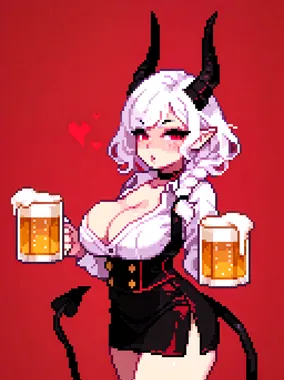
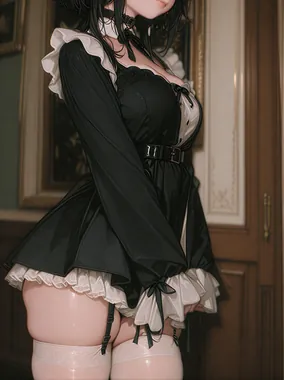
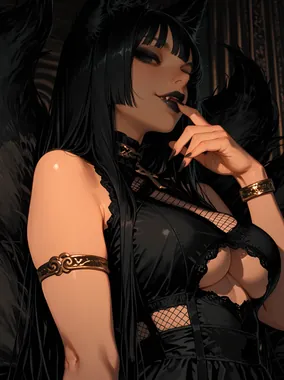
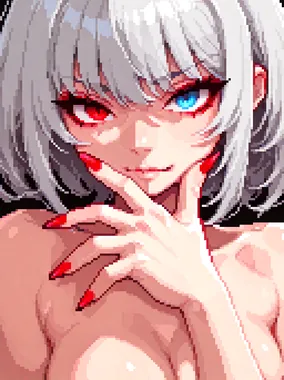

Best Prompts for AI Porn: Writing Guide
Tested prompt structures, style keywords, and model-specific techniques for getting better results from AI porn generators.
Best Prompts for AI Porn: Writing Guide
We've run thousands of prompts through every major AI porn generator on the market. Some prompts consistently produce stunning results. Others waste your credits on blurry messes. The difference is rarely creativity. It's structure.
This guide breaks down what actually works: prompt architecture, tested keywords, negative prompts that save you from common artifacts, and platform-specific tricks that the documentation doesn't mention.
Prompt Structure That Works
Every reliable prompt follows the same skeleton. The order matters because most diffusion models weight earlier tokens more heavily.
Start with the subject
Physical description of the person: body type, hair, face, skin tone. Be precise. "Woman" gives the model nothing. "Athletic East Asian woman with shoulder-length black hair, brown eyes, light makeup" gives it a blueprint.
Clothing and state
What they're wearing or not wearing. Specificity controls output: "white lace bralette" produces vastly different results than "underwear."
Pose and action
What the subject is doing. Static poses are easier for models to nail. Dynamic action (walking, turning, reaching) introduces more chances for anatomical errors.
Setting and environment
Background, location, surfaces, objects. Keep it simple at first. A cluttered prompt fights itself.
Lighting and mood last
This is where your image goes from generic to atmospheric. "Soft golden hour light through sheer curtains" vs. "bright lighting" is the difference between something worth saving and something you regenerate immediately.
Keywords That Consistently Deliver
After testing across multiple platforms, these terms reliably improve output quality.
Quality boosters
masterpiece, best quality, highly detailed, sharp focus, 8k, professional photography, RAW photo, cinematic lighting
Body type descriptors
athletic, curvy, petite, slender, voluptuous, toned, fit, thick, busty, slim
Skin and texture
detailed skin texture, skin pores, subsurface scattering, natural skin, freckles, tan lines
Lighting
golden hour, rim lighting, dramatic side light, soft diffused light, neon glow, candlelight, studio lighting, natural window light
Mood and atmosphere
sensual, intimate, provocative, dreamy, intense, passionate, relaxed, confident
Camera and composition
close-up portrait, full body shot, from below, from above, over the shoulder, POV, depth of field, bokeh background
The Power of Negative Prompts
Negative prompts tell the model what to avoid. They're not optional. Without them, you're relying on luck to dodge common artifacts.
Start with a universal negative prompt baseline and add to it:
"worst quality, low quality, blurry, deformed, mutated, extra limbs, extra fingers, bad anatomy, bad hands, bad proportions, watermark, text, signature"
Add specifics based on what you're seeing. Getting unwanted tattoos? Add "tattoo" to negatives. Faces looking too young? Add "childlike, underage, baby face" to negatives. Backgrounds cluttered? Add "busy background, clutter, messy."
The key is building your negative prompt list over time. Every artifact you encounter teaches you a new negative to add.
Model-Specific Tips
Different platforms and models respond to different prompting strategies. What works on one may flop on another.
Stable Diffusion (and derivatives)
Stable Diffusion models respond well to weighted tokens. Most interfaces support syntax like (keyword:1.3) to emphasize a term or (keyword:0.7) to de-emphasize it. This gives you fine control over how strongly the model prioritizes each element.
SDXL-based models handle longer prompts better than SD 1.5. You can pack more detail in without the model losing track of early tokens.
LoRA models let you add specific characters, styles, or concepts to your generations. A good LoRA tuned for a specific body type or art style can do more than any prompt tweak.
Hosted NSFW platforms
Most AI porn generator platforms simplify the process. They may not expose negative prompts or token weighting. For these, focus on clarity and specificity in your positive prompt. Use their built-in style presets when available, and rely on the platform's model to handle quality defaults.
Some platforms offer dropdown menus for body type, ethnicity, pose, and style. Use these over typing those details into the text prompt when possible, since the dropdown values map to optimized internal tokens.
Prompt Templates You Can Copy
Here are field-tested templates. Replace the bracketed sections with your specifics.
Photorealistic portrait
"[body type] [ethnicity] woman with [hair description], [expression], [clothing], [pose] in [setting], [lighting type], photorealistic, highly detailed, 8k"
Anime and hentai
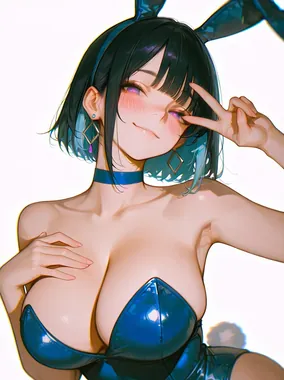
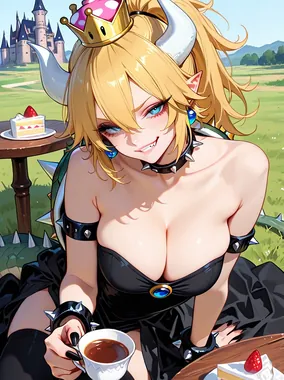
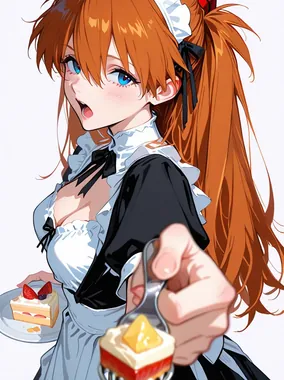
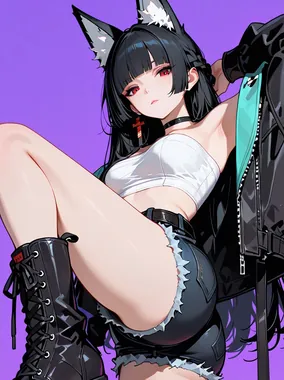
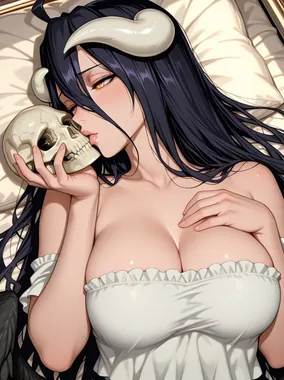
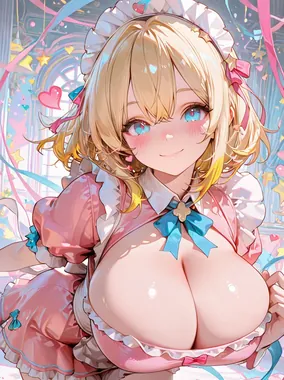
"[body type] [hair color] anime girl, [clothing/state], [pose], [setting], [art style] style, detailed, rich colors, high quality anime art"
Artistic and painterly
"[subject description], [pose], [setting], oil painting style, [mood] atmosphere, dramatic [lighting], fine art quality, detailed brushwork"
Iteration Is the Real Skill
The best prompt in the world won't produce a perfect image on the first try. Every experienced user follows the same loop: generate a batch, find the closest hit, identify what's wrong, adjust the prompt, generate again. Expect to iterate three to five times before landing on something you want to keep.
Save your successful prompts. Build a personal library organized by style, subject type, and platform. A prompt that worked once will work again with minor variations, and you'll stop reinventing the wheel every session.
For foundational prompting concepts, revisit prompt writing basics. For style-specific vocabulary, browse style keywords and examples.
For informational purposes only. Nothing on this site constitutes legal, financial, medical, or other professional advice. Information about tools, platforms, and laws changes frequently. Verify before acting on anything here, and consult a qualified professional for advice on your specific situation.